Delivery Management System
Plan, dispatch, track and prove every delivery.
One screen for dispatch, one app for drivers, and a tracking link for customers. White-labelled with your brand.
- Live visibility
Every driver and delivery on one map, with ETAs that update as they drive.
- Fewer “where’s my delivery?” calls
Customers get a tracking link and SMS updates automatically.
- Proof on every drop
Photos, signature and GPS stamp saved to the order.


Screens from a live deployment, white-labelled with client details hidden. Figures are demo data.
A delivery day, start to signature.
Plan the runs
Orders arrive from your ERP, OrderPad or warehouse. Drag them onto drivers by time slot, matched to the right vehicle.
- Vehicle-aware: tail-lift, pantech, Hiab
- Morning and midday windows

Dispatch to drivers
Each run lands on the driver’s phone: sequenced stops, navigation and job notes. Works offline, syncs later.
- Scan to confirm at pick-up
- No paper dockets


Track every delivery live
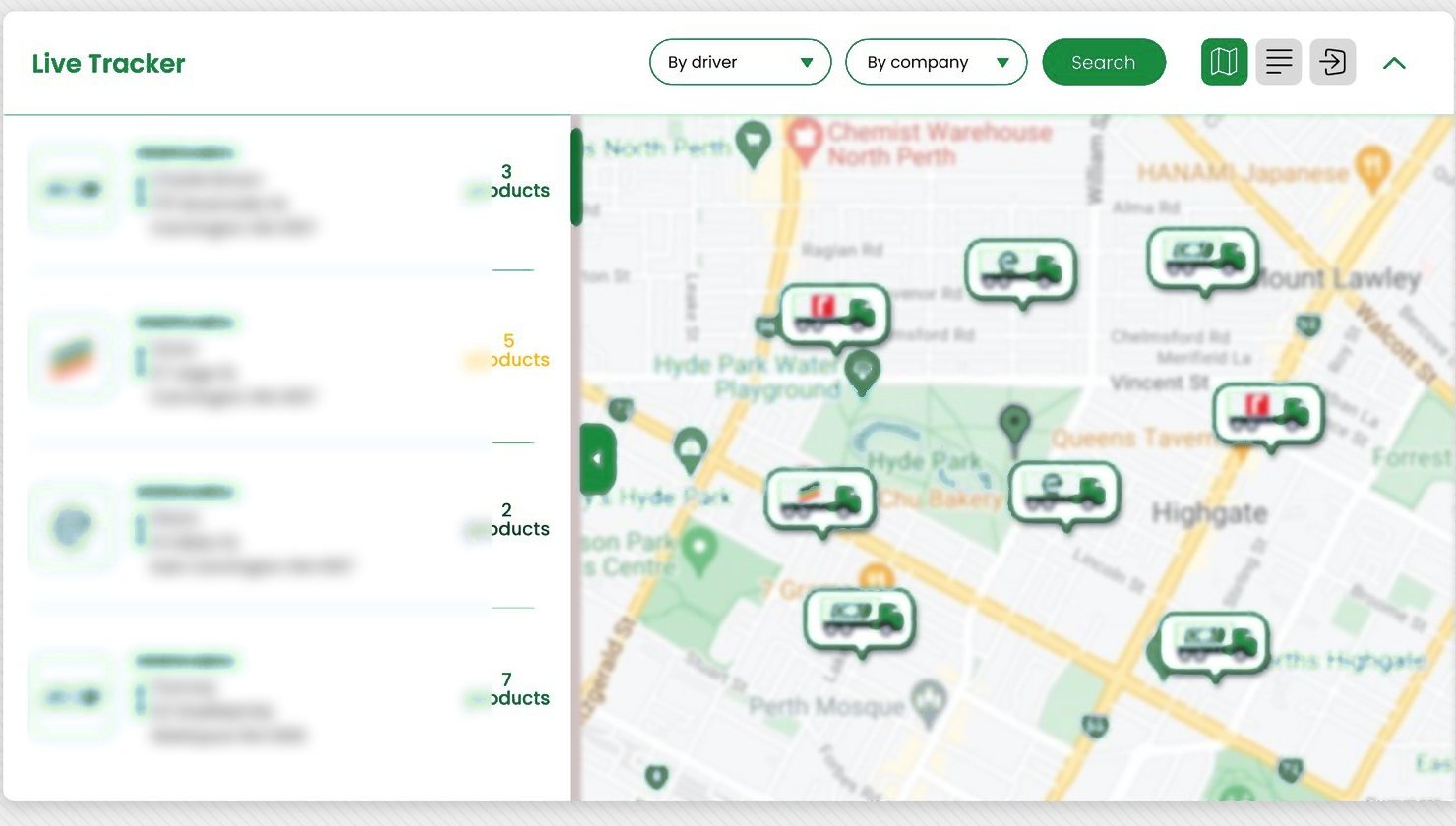
Dispatch sees every driver and order on one map, without ringing round. Customers get live ETAs.
- Live ETAs and SMS updates
- Exceptions flagged as they happen
Prove the delivery
Photos, signature, recipient and checklist captured on the doorstep and saved to the order.
- Photos, signature, GPS stamp
- Ready for invoicing


Review the day
See each run’s timeline and the path driven, so tomorrow’s plan is better than today’s.
- Timeline per driver
- Path driven vs planned

Drivers just deliver. Everyone else stays informed.
- Dispatchers
One board to plan, one map to run the day.
- Drivers
The whole run on their phone.
- Customers
A link, an ETA and proof of delivery.

Clear roles, one connected operation.
The WMS owns the warehouse. The DMS takes over once an order is packed, and both share the same record.
Warehouse inventory and fulfilment: receiving, locations, picking, packing.
Delivery execution: run planning, drivers, live status and proof of delivery.
Warehouse Management
Packed orders are handed straight to dispatch.
See moreOrder Management
Customers choose delivery or pick-up and a date at checkout.
See moreERP integration
Proof of delivery syncs back for invoicing. Live with Sage X3; Sage, MYOB and Xero are standard connectors.
See more Optional add-onSynvoraBot
Ask “which deliveries are at risk today?” and get the answer with evidence.
See moreDriver app and dispatch at Xpress Delivery
Drivers worked from paper dockets and phone calls, and delivery photos sat in personal camera rolls.
A job map with colour-coded stops, scan to confirm, and proof of delivery with photos, notes, recipient and signature.
Live dispatch dashboard, synced with product, driver and brand data from the office.
Dispatch sees status as it happens, without ringing anyone. Every delivery has its proof attached.
Can our customers track their own deliveries?
Yes. Customers get a live tracking link and SMS or email updates, and can see proof of delivery themselves, so fewer calls come to your team.
Does the driver app work with patchy signal?
Yes. It captures scans, photos and signatures offline and syncs when coverage returns.
Can it handle crane and tail-lift trucks?
Yes. Planning is vehicle-aware, so jobs that need a tail-lift, pantech or Hiab go to a truck that can do them.
Can it be branded as our own?
Yes. The DMS is white-labelled with your logo and colours for dispatch, drivers and customers.
How does proof of delivery reach our accounts team?
Photos, signature and delivery time are saved to the order and synced to your ERP where the integration supports it, ready for invoicing.
How long does it take to go live?
A two-week discovery comes first. A standard rollout typically goes live in 6–12 weeks after that.
Planning your next logistics project?
Tell us how orders move today. We’ll show you where the time goes, and what to fix first.